Locris
Real-estate platform where offices match their portfolios to buyer criteria through AI and manage everything with in-office collaboration.
Visit site
Overview
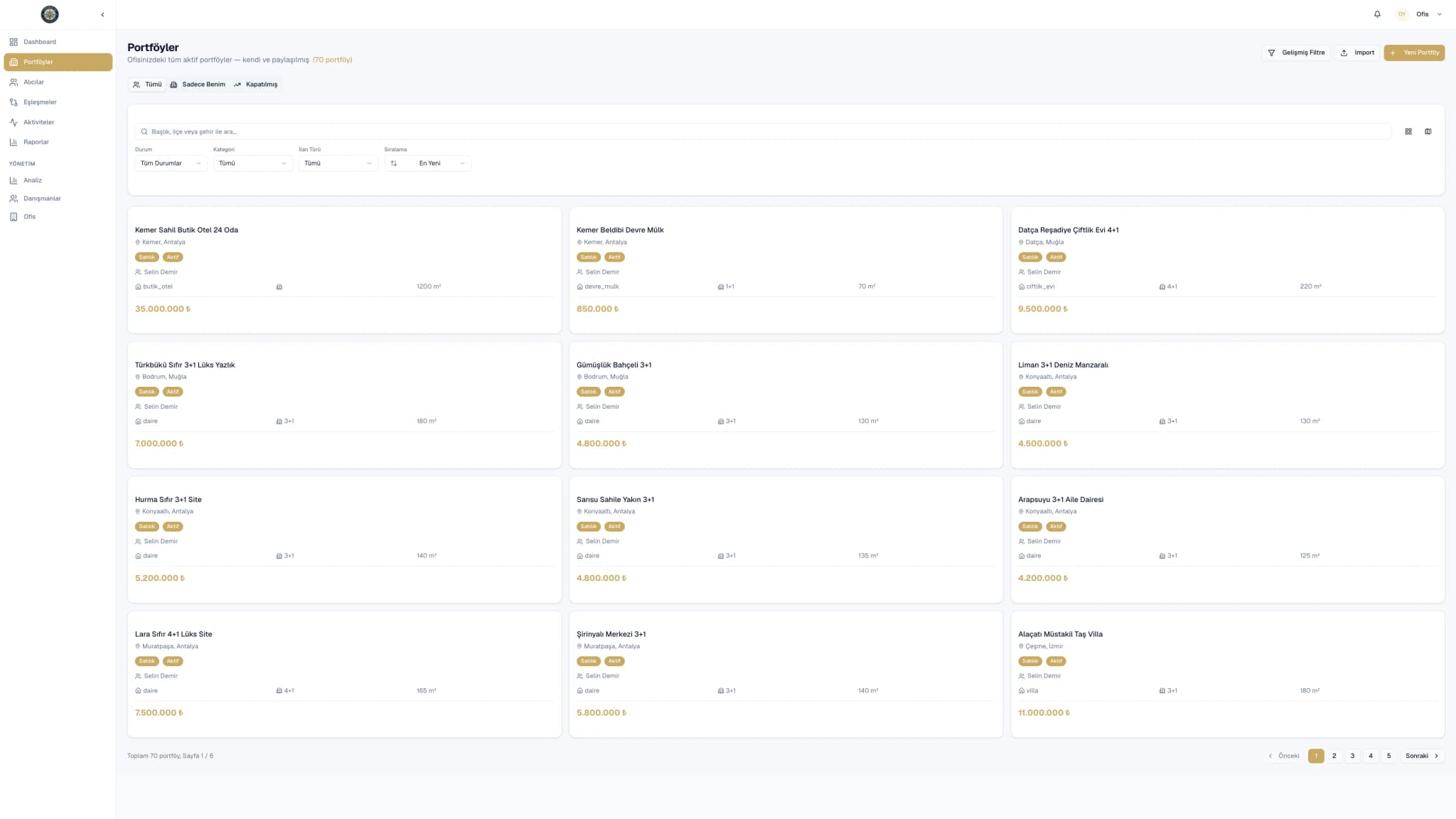
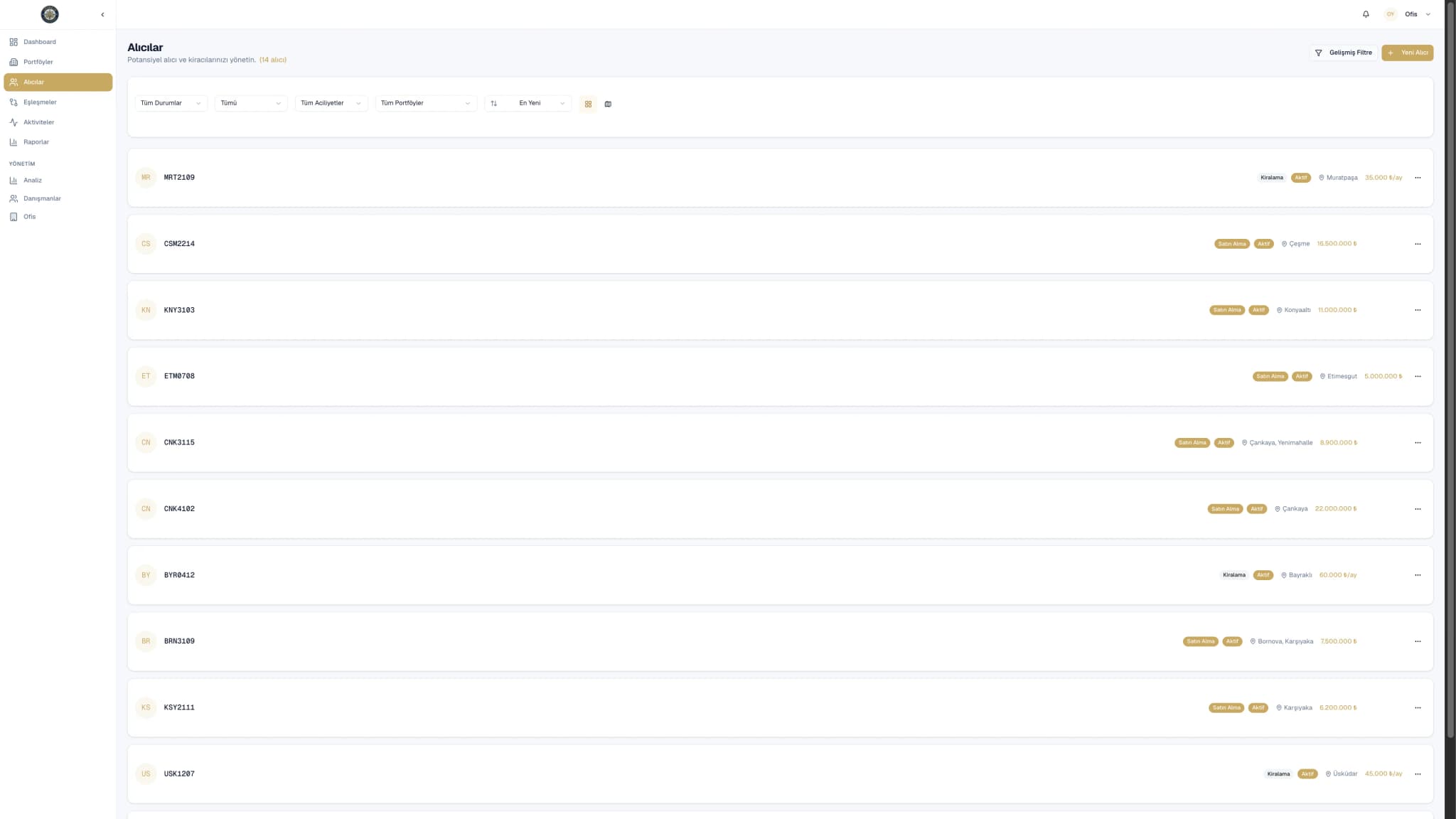
Locris unites portfolio, buyer and agent management under a single roof for real-estate offices. An AI-powered matching engine suggests the portfolios that best fit a buyer's needs; in-office visibility prevents multiple agents from working on the same client; performance tracking lifts the team's productivity.
Key features
- AI-powered portfolio–buyer matching
- In-office sharing and conflict prevention
- Agent performance tracking
- Portfolio and buyer record management
Use cases
Single-office real-estate firm
Manages portfolios, buyer records and agent activity from a single panel, leaving spreadsheets and disconnected apps behind.
Multi-office chain
Shares portfolios across offices, runs central performance tracking and prevents multiple offices from working the same client.
AI buyer matching
Captures the new buyer's criteria; the AI engine scores and recommends matching portfolios so the agent can present them directly.
Performance-driven leadership
Tracks per-agent meetings, conversion rates and deal value with charts; brings clean data to the weekly team meeting.
Frequently asked questions
How does AI matching work?
The buyer's budget, location, room count and other criteria are compared with portfolio data; an OpenAI-based model scores and recommends suitable listings.
What if the same client lands with another agent?
The system attaches buyer records to the office; when another agent tries to engage, the prior conversation history surfaces and conflicts are prevented.
How are performance reports generated?
Per-agent meeting count, contract conversion and deal value are reported weekly or monthly with charts; comparative tables can be exported.
Can my existing portfolio data be imported?
Excel and CRM imports are supported; bulk migration and field mapping happen during the initial onboarding.
Does it work on mobile?
The web app is responsive on mobile; field agents can use it from their phone, adding photos and meeting notes on the go.
Screenshots